Building AI-Powered System Monitor: Architecture Deep Dive
How I integrated GPT-4 API with monitoring loops in Windows WMI. Thread safety, rate limiting, context management.
Read on Medium →
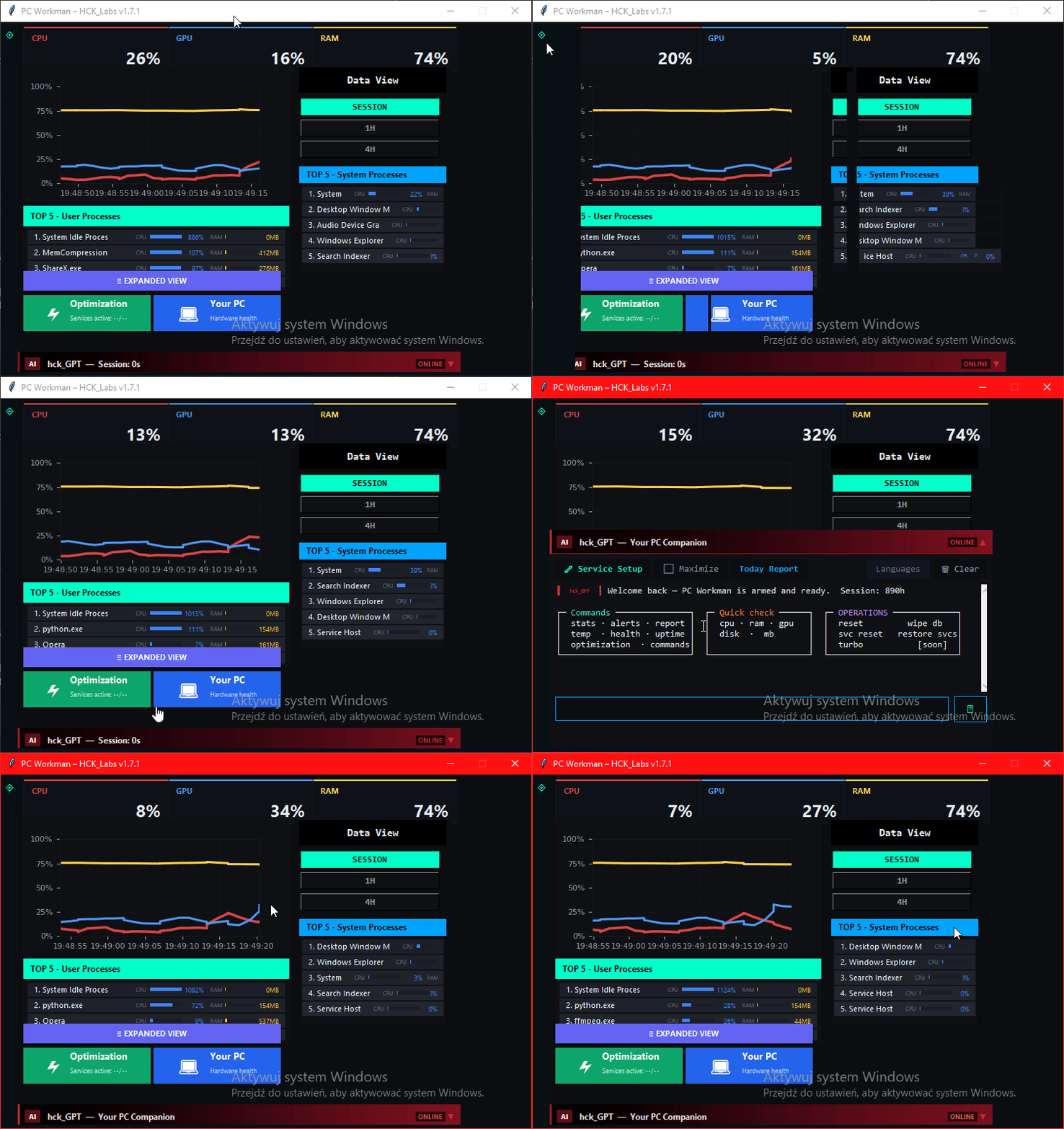
End of mysterious lags and voltage spikes – AI explains everything in context.
Alternative to MSI Afterburner and HWMonitor with real intelligence.
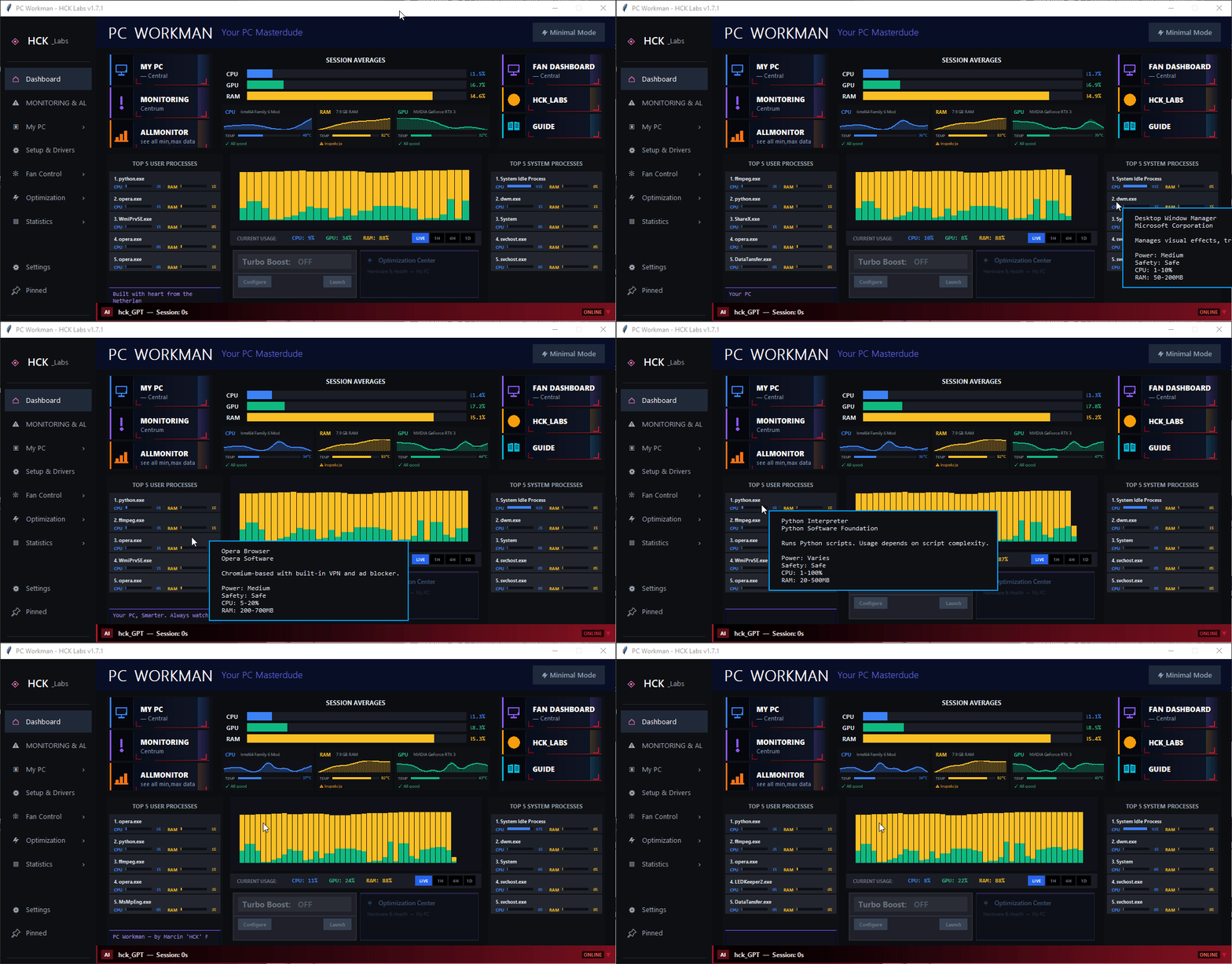
Not just monitoring – real intelligence in action
Detects bottlenecks in games in real-time – "CPU can't keep up in CS2? Close Chrome and Discord."
Automatic detection of cryptocurrency miners and suspicious processes consuming resources in the background.
AI predicts problems before they hit – overheating, disk failure, RAM overflow. Act proactively, not reactively.
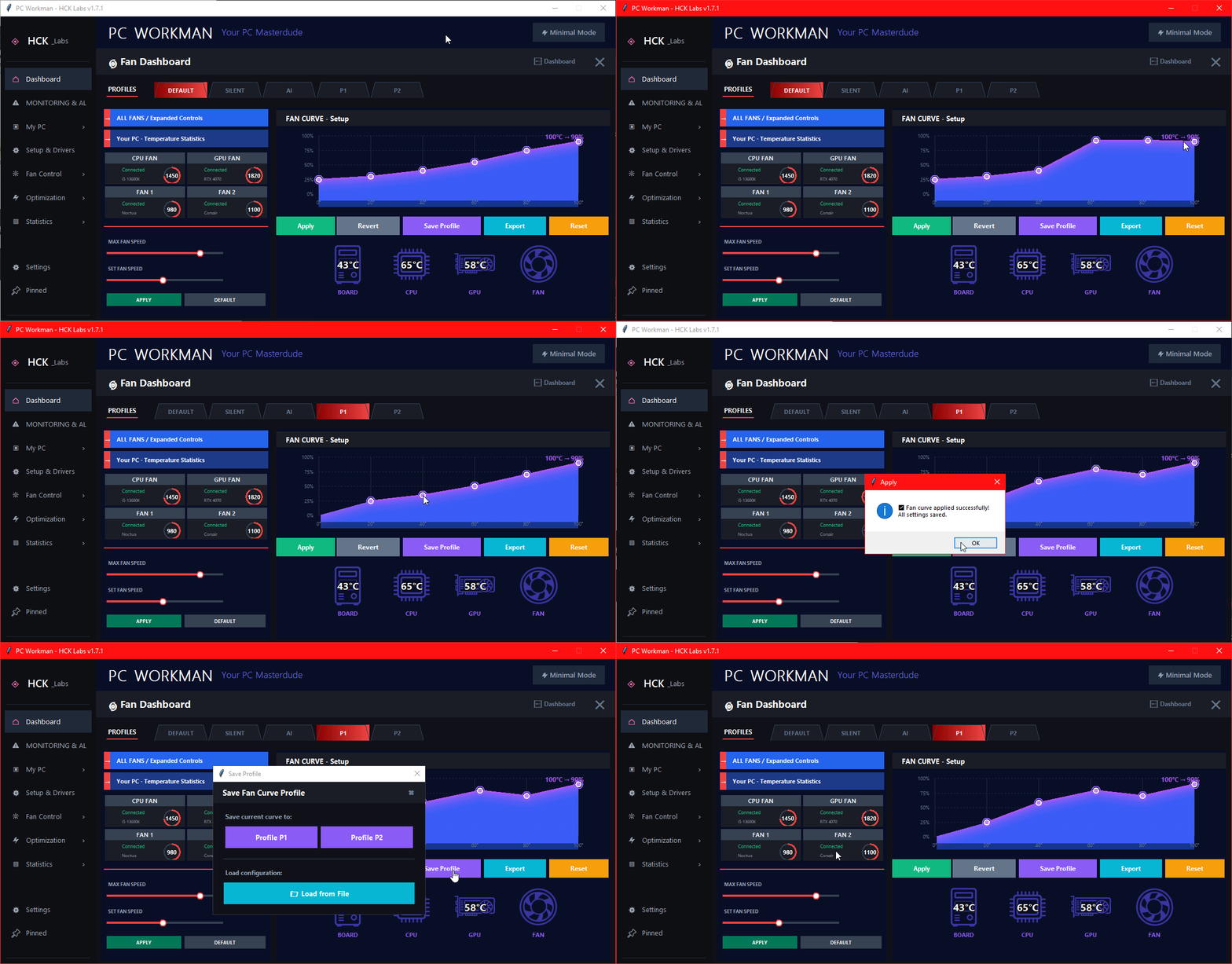
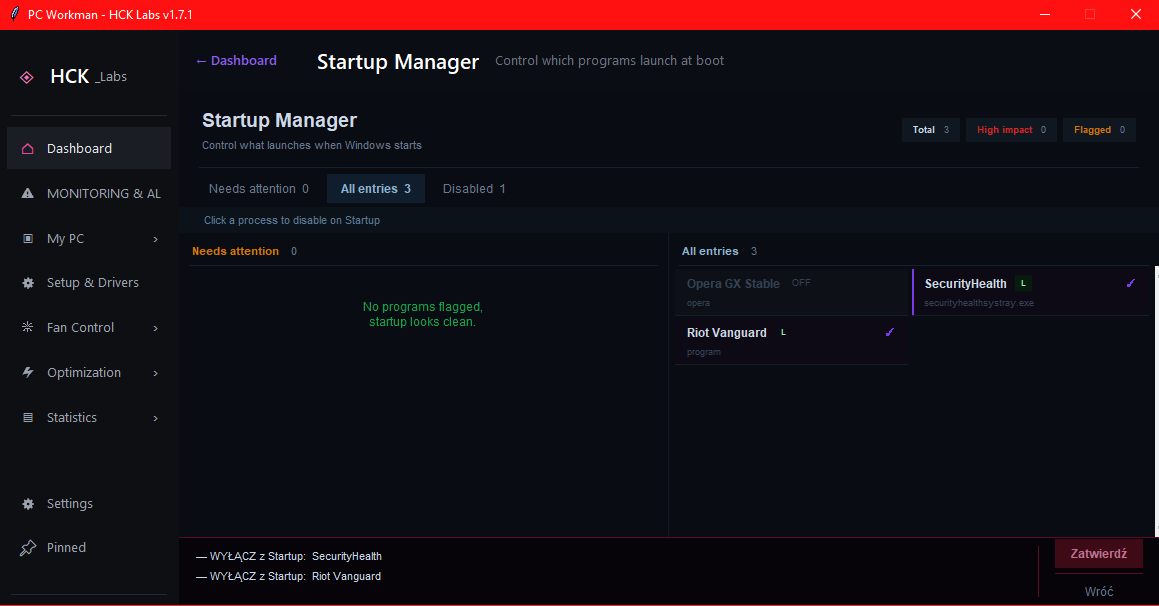
Advanced fan control with custom fan curves. Silent during browsing, turbo in gaming.
This is not just another monitor. It's an AI assistant that understands your PC.
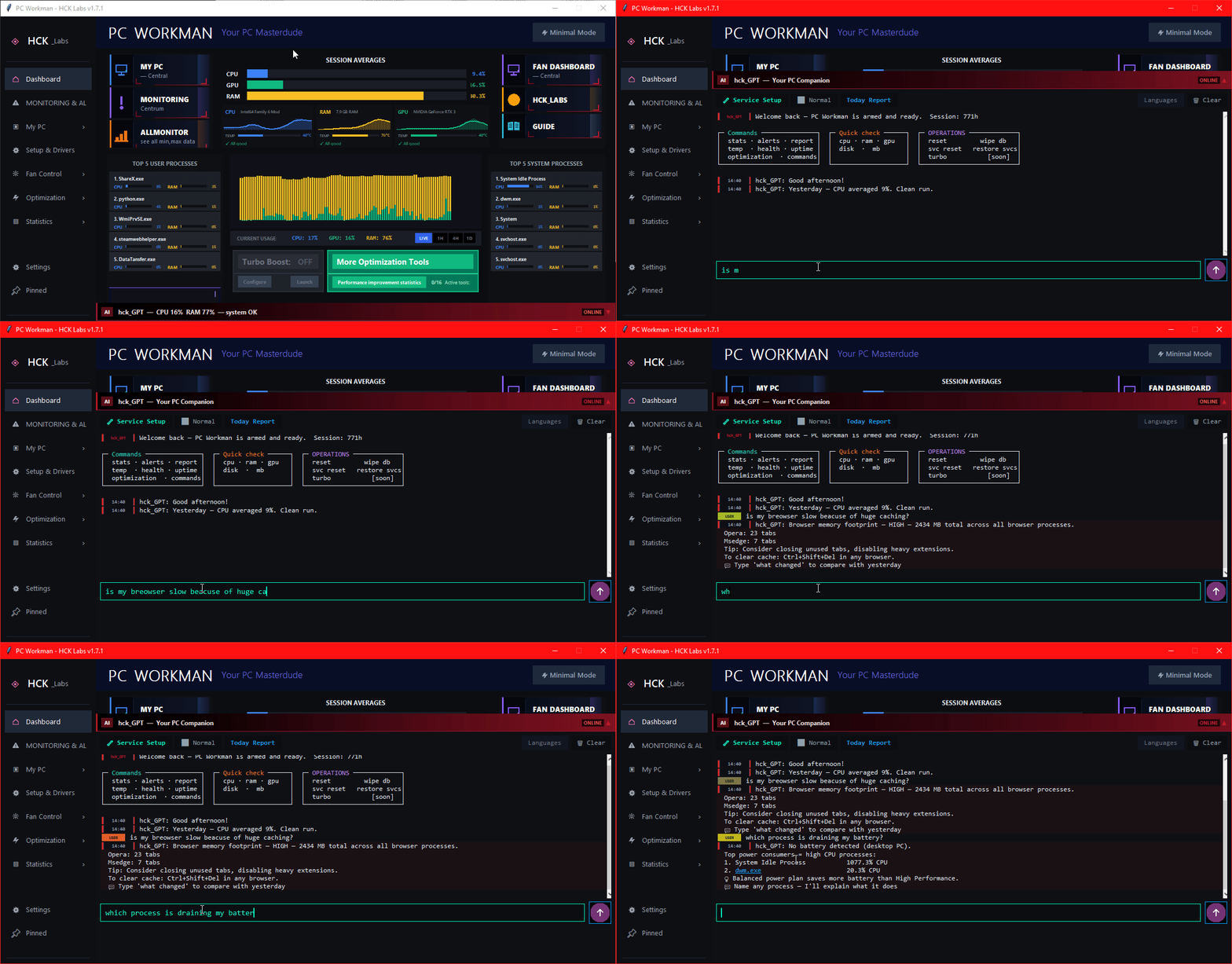
Voltage/temperature spikes? AI defines the cause with context: "Chrome caused a 15°C spike – close 47 tabs" + suggests fix. MSI Afterburner only shows numbers.
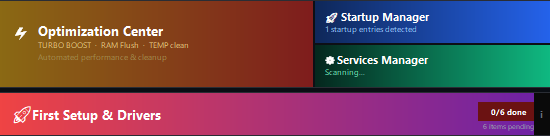
Optimization tools work always in the background – zero daily tinkering. GeForce Experience requires constant updates and login. PC_Workman = set & forget.
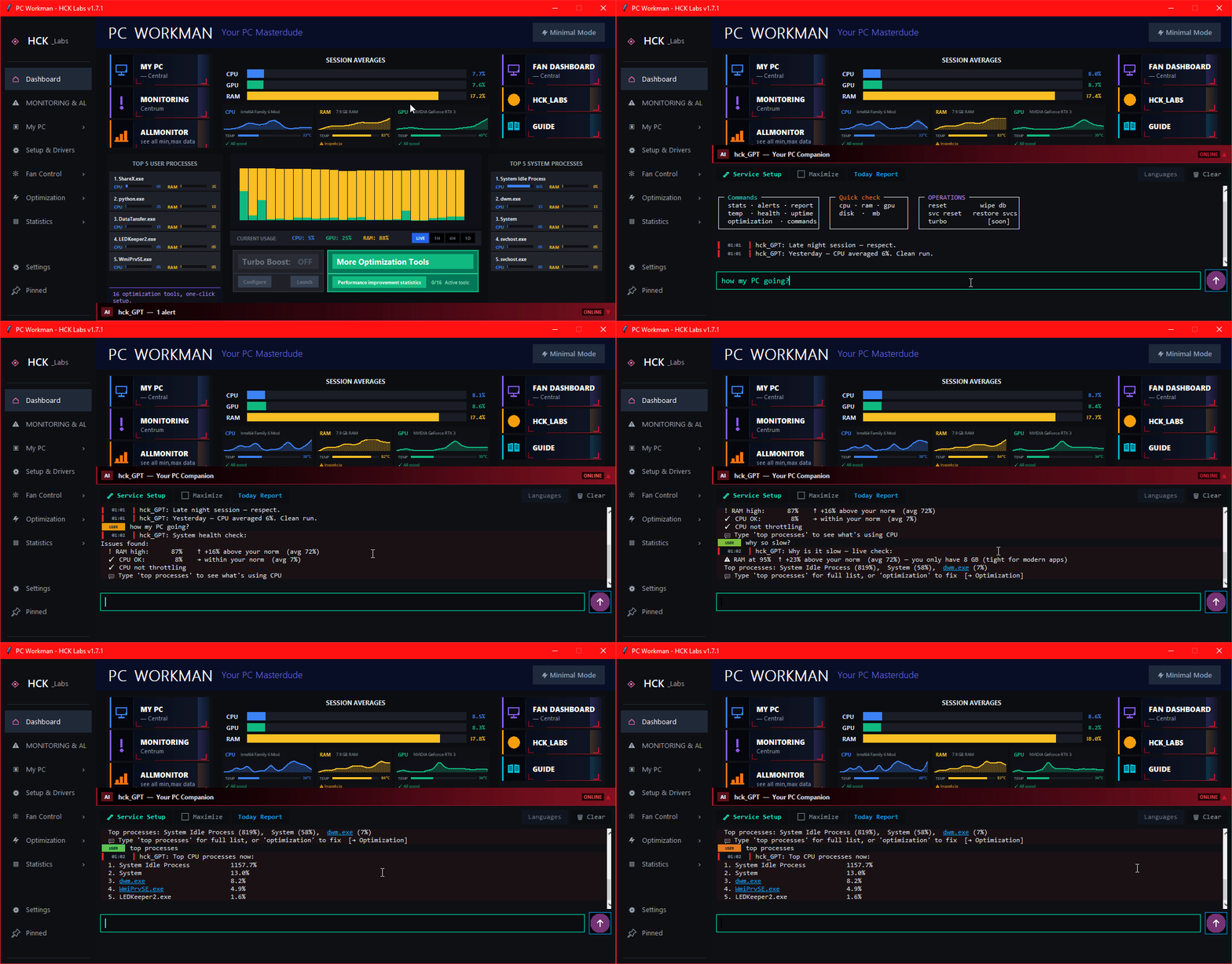
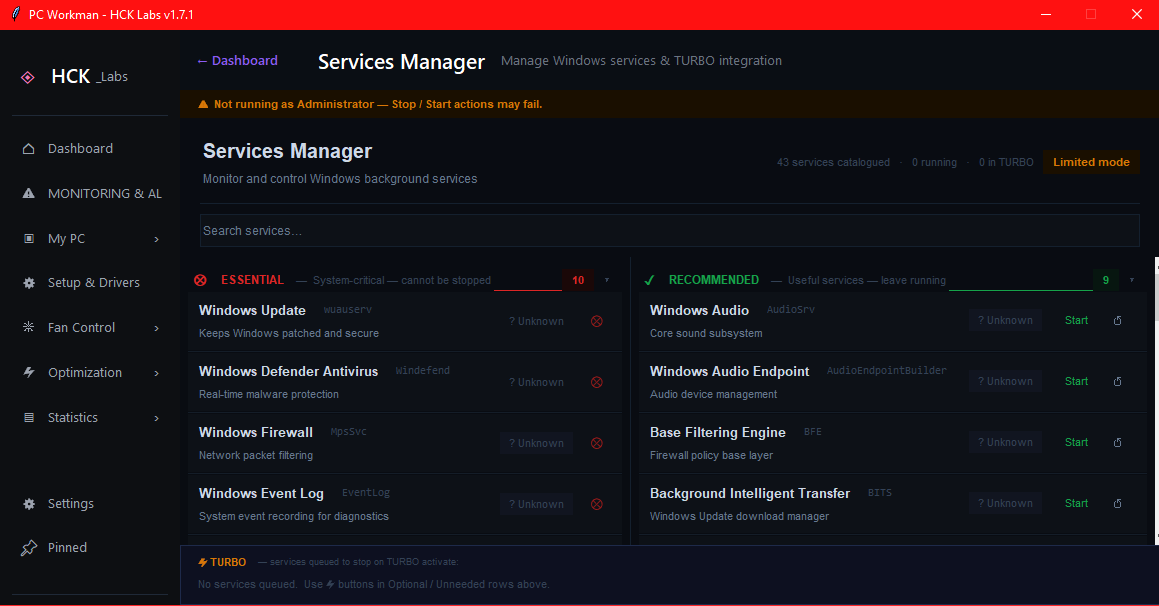
Asks 18 diagnostic questions, suggests Windows services to disable (optimization), disables with your consent. One-click revert everything! No other tool has an AI assistant.
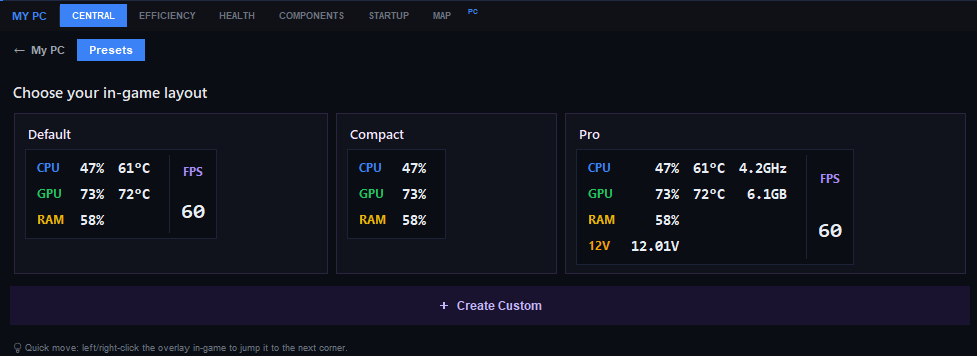
Auto-detect motherboard (first view shows model), visual component map (CPU/RAM/GPU/Disk/Battery) for PC and laptop. Quick access to health/info – click component, see details. HWInfo has no visualization!
Enter symptoms – AI simulates response (demo)
Comparison with MSI Afterburner, HWMonitor, GPU Tweak, GeForce Experience, HWInfo
| Feature | MSI Afterburner | HWMonitor | GPU Tweak | GeForce Exp. | HWInfo | PC_Workman |
|---|---|---|---|---|---|---|
| Spike cause explanation | ❌ | ❌ | ❌ | ❌ | ❌ | ✅ with AI context |
| 2D component map | ❌ | ❌ | ❌ | ❌ | ❌ | ✅ with auto-detect |
| AI optimization assistant | ❌ | ❌ | ❌ | ❌ | ❌ | ✅ hck_GPT |
| Miner detection | ❌ | ❌ | ❌ | ❌ | ❌ | ✅ automatic |
| Gaming bottleneck detection | Partial | ❌ | Partial | ❌ | ❌ | ✅ realtime AI |
| Predictive alerts | ❌ | ❌ | ❌ | ❌ | ❌ | ✅ before problem |
| Fan curve control | ✅ | ❌ | ✅ | ❌ | ❌ | ✅ + AI profile |
| One-click optimization | ❌ | ❌ | Limited | Limited | ❌ | ✅ + revert |
| Requires login | ❌ | ❌ | ❌ | ✅ 😒 | ❌ | ❌ privacy |
| Open Source | ❌ | ❌ | ❌ | ❌ | ❌ | ✅ GitHub |
The only alternative with real AI intelligence
Check on GitHubBuilding in public on an old laptop – authentic indie developer story
On December 22nd, I lost my job in the Netherlands. I came back to Poland with one thing – determination to build something of my own. PC_Workman is being built on a 2014 laptop that regularly hits 90°C+. I'm not waiting for perfect hardware – building now.
This is not a glamorous startup story. This is 6+ months of grinding at night, refactoring code, learning AI integration from scratch. But every line of code is real. Every feature solves my real problem.
"Constraint breeds creativity. My old laptop taught me to optimize every feature. That's the same experience PC_Workman gives to users."
Beta Premium for the first 100 – subscribe to newsletter and get early access!
Insights from development journey
How I integrated GPT-4 API with monitoring loops in Windows WMI. Thread safety, rate limiting, context management.
Read on Medium →Indie developer reality check. From taxi driver to ML engineering – journey through code, community, and constraint-based creativity.
See on LinkedIn →MSI Afterburner shows OSD. PC_Workman explains bottlenecks. Why gaming analytics is the future of monitoring.
Thread on X →How a 10-year-old laptop with thermal throttling taught me to optimize. PC_Workman was born from my user pain.
See repo on GitHub →Frequently Asked Questions
hck_GPT asks 18 diagnostic questions about your PC usage (gaming, work, streaming, etc.). Based on your answers, AI suggests specific Windows services to disable (e.g., telemetry, unnecessary services). Before each change, it asks for your consent – full control. Everything can be reverted with one click ("Revert All").
Yes! PC_Workman was built on a 2014 laptop (i7-4710HQ, 8GB RAM). It's optimized for low-resource usage. Monitoring runs in the background with minimal footprint, AI queries are cached locally. If it works on my 10-year-old laptop at 90°C, it will work on your hardware.
Currently PC_Workman works in local inference mode for basic functions (miner detection, gaming analytics). hck_GPT (full AI assistant) requires an OpenAI API key, but I'm planning integration with local models (Ollama, LM Studio) in version 2.0. API cost is ~$0.50-2/month with normal usage.
MSI Afterburner is a great tool for GPU overclocking and OSD, but it only shows raw data. PC_Workman goes further: explains the causes of temperature/voltage spikes ("Chrome caused it – close tabs"), detects suspicious processes, has an AI optimization assistant, 2D component map, predictive alerts. It's the difference between "seeing numbers" and "understanding what's happening".
For basic monitoring (CPU/RAM/GPU usage) – no. For advanced features (fan control, disabling services, deep hardware access) – yes. PC_Workman only asks for permissions when needed. All code is open source on GitHub – you can verify what it does.
Currently PC_Workman is in Alpha v1.5+. Full version 2.0 (with local AI models, advanced gaming integrations, cloud sync) is planned for Q2 2025. Subscribe to the newsletter to get early access to beta – first 100 people get premium features for free!